University IT
DUO FOR BLACKBOARD
The North Dakota University System (NDUS) will implement multi-factor authentication (MFA/DUO) on Blackboard for faculty and staff on Tuesday, March 5, 2024. MFA for students will be implemented on Monday, May 13, 2024. The knowledgebase articles on DUO MFA for Blackboard and DUO Two-Factor Authentication can provide you with information on how to install the DUO app, answers to FAQs, how to troubleshoot issues, and more. If you have any questions or need assistance, please reach out to UIT as soon as possible by submitting a help ticket or by stopping at the help desk.
University Information Technology (UIT) is UND's technology support unit serving students, faculty and staff.
We work with all agencies on campus to provide you with the technology tools for success both in and outside of the classroom.
Get Tech Support
Search for answers, submit a ticket, and chat with us below. Visit the Help Center for all services or to browse through helpful articles and videos.
UIT News
Our Mission
Our mission is to strive for excellence in customer service, collaboration, and innovation.
- We seek out, listen, and respond to your technology needs to provide quality solutions by focusing on the services you most value.
- We positively communicate and contribute to the university community to ensure inclusivity, diversity, respect, and growth.
- We encourage, research, and experiment with new technologies to provide the most leading edge ideas and practices to respond to the changing needs of the university.
Our Focus
UIT consists of three main foci; Customer Engagement and Support, Records Management, and Application & Integration Support.
Customer Engagement & Support
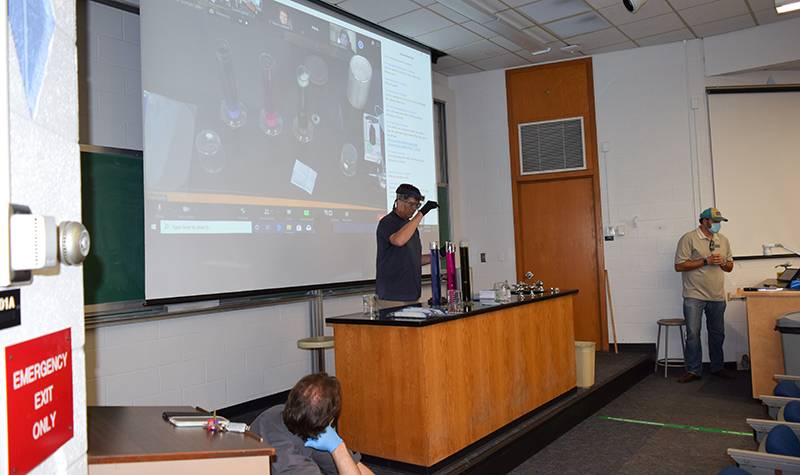
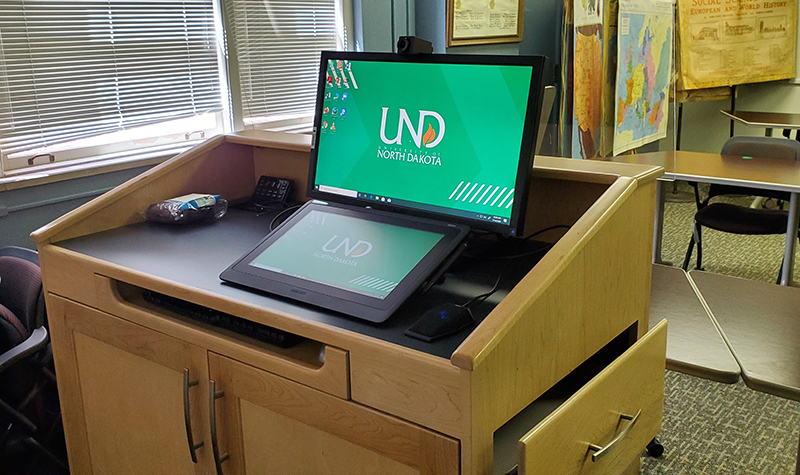
Our Customer Engagement & Support team are your single point of contact for any technology needs and issues including Desktop services for faculty and staff, classroom support, and Tech Support to troubleshoot your hardware and software issues.
Records Management
Records Management is responsible for creating, storing, maintaining, and disposal of digital media for the university.
Application & Integration Support
Application & Integration Support is responsible for evaluating the technological needs of the university and implementing technology-based solutions.