Enrollment Confirmation Instructions
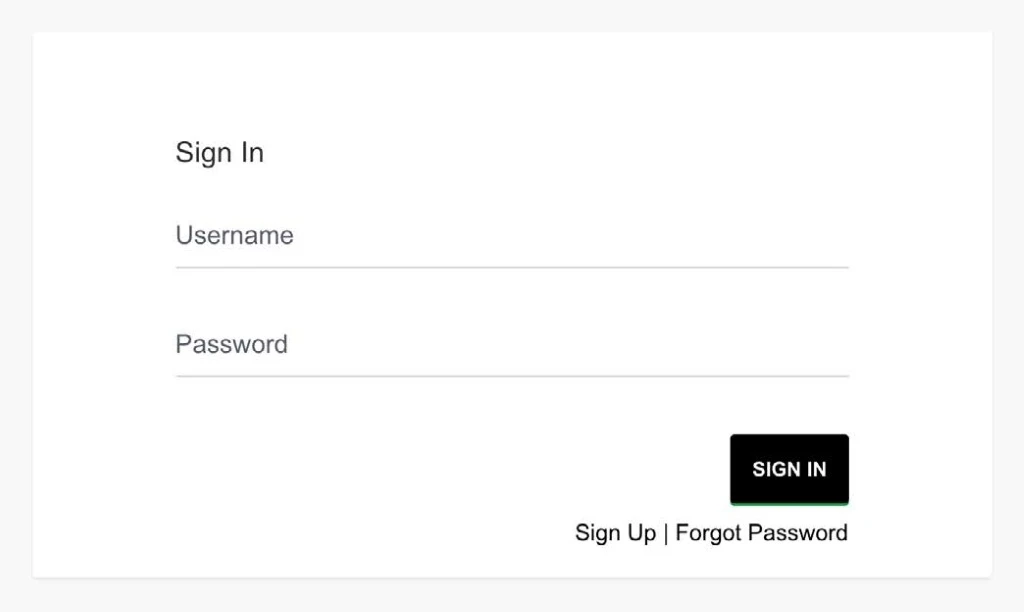
Sign in to your admissions application account.
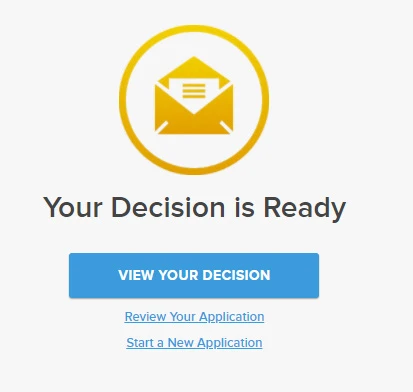
Once logged in, you can view your decision.
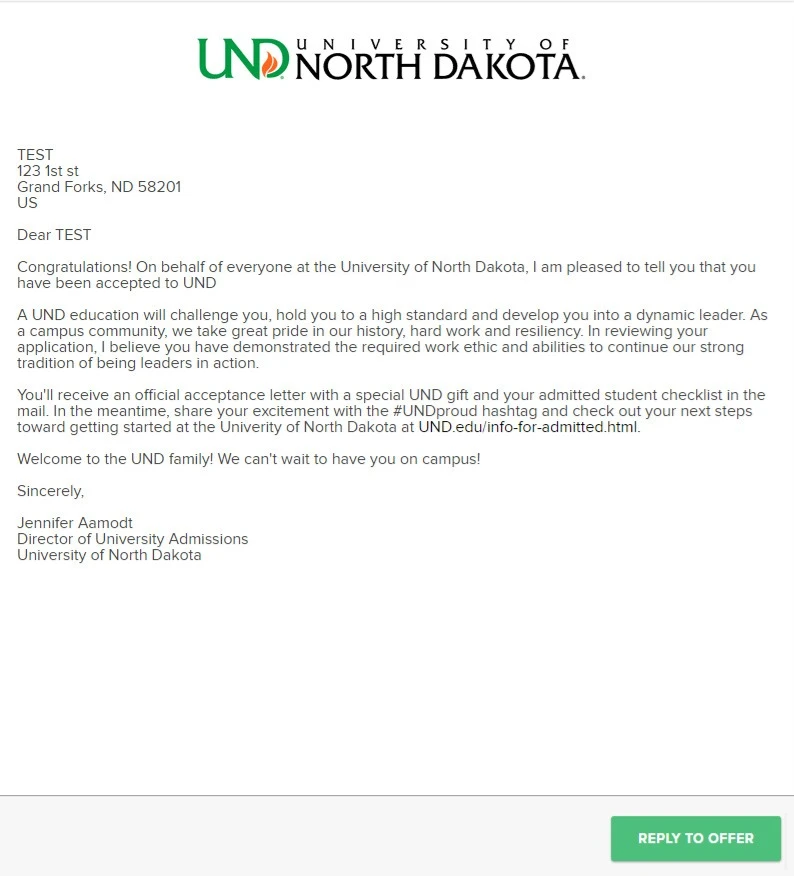
Next, reply and accept your offer.
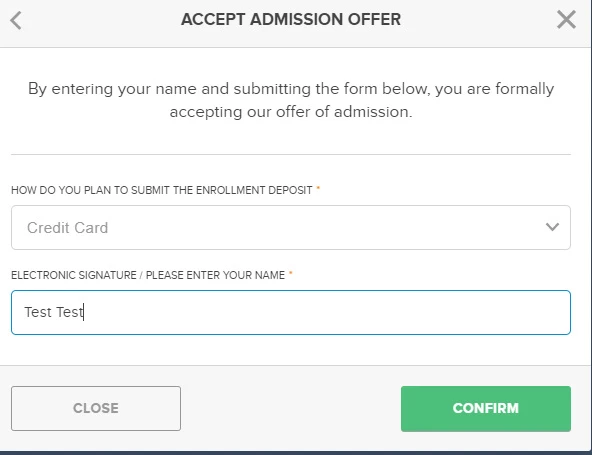
Select your payment method, sign and select "Confirm."
Pay Now
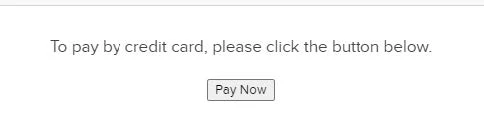
Select “Pay Now” to be brought directly to Nelnet, UND’s secure payment website.
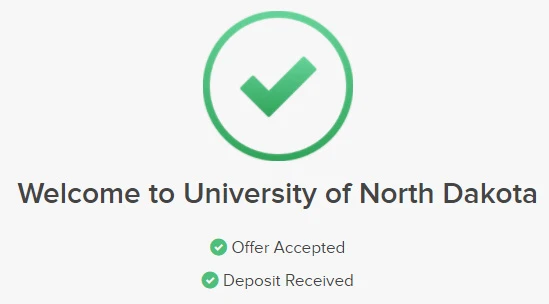
Upon successful completion of payment, you’ll see the confirmation page.
Pay Later
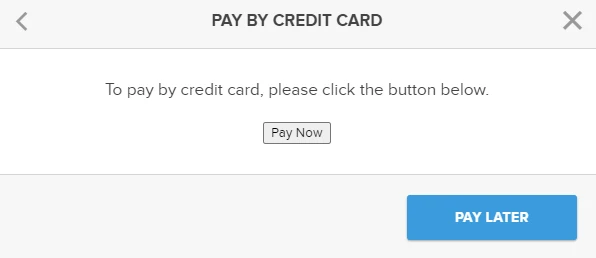
If you choose to pay at a later date, select "Pay Later."
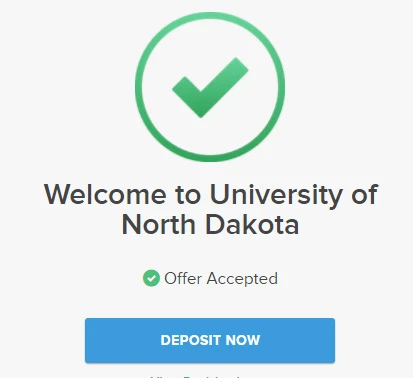
When you're ready to pay, log back in to your admissions application account, select "Deposit Now" and follow the Pay Now step listed above.
Your UND account will automatically be updated with the payment, and the UND Office of University Admissions will receive notification of your payment.
Questions?
If you have any questions regarding paying your Enrollment Confirmation Deposit, contact UND Office of University Admissions at 701.777.3000.