Video Captions
Provide visual alternatives to audio information.
Video captions, sometimes referred to as subtitles, provide a visual alternative to audio information. Captions display spoken dialogue, sound effects, and other meaningful audio content as synchronized text on the screen. The caption text is typically displayed at the bottom of the video and timed to match the audio and action occurring on screen.
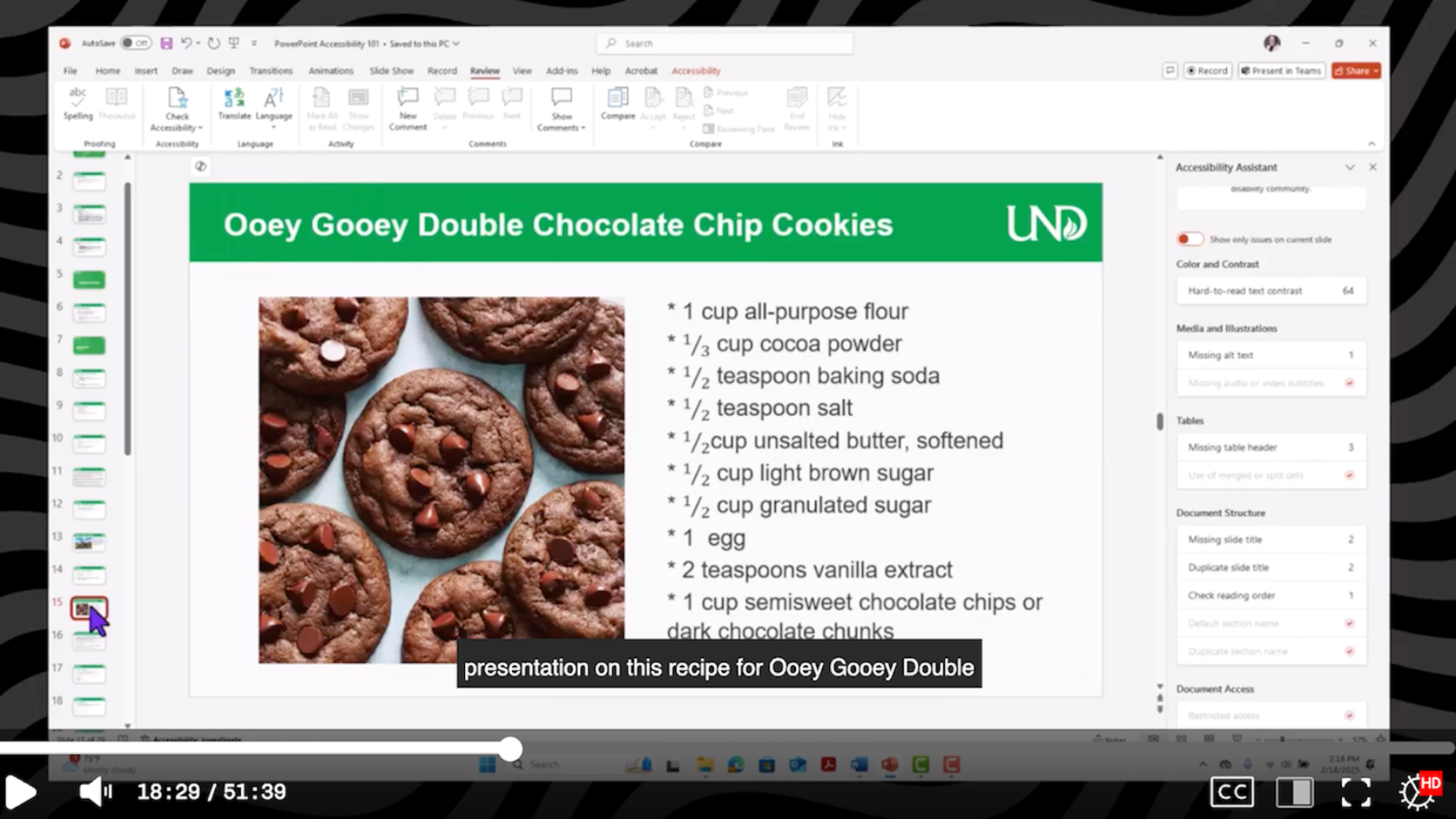
Video captions displayed in YuJa’s media player. Captions are synchronized with the spoken audio and presented with high color contrast to improve readability and accessibility for viewers.
Who Benefits from Captions?
Captions provide an alternative to audio that benefits a wide range of users, including:
- Deaf or hard of hearing users
- English language learners
- Users with learning disabilities
- Visual or multi-modal learners
Additionally, captions also benefit users who are:
- Watching videos in noisy environments
- Watching videos in quiet environments
- Scrolling on social media
- Deciphering unfamiliar accents
Guidelines for Effective Video Captions
Consider the following best practices when creating or reviewing captions:
- Include all meaningful spoken dialogue and sounds needed to understand the content of the video.
- Include all meaningful sounds, including stutters, pauses, or vocalizations. For example, if a speaker pauses and makes a sound, you can use vocalizations like “erm” or “hmmm” in the caption text.
- Include background sounds whenever necessary to understand the meaning or context of the video.
- Synchronize captions with the audio and action occurring on the screen whenever possible.
- Ensure captions remain readable against the video background by maintaining sufficient color contrast.
- Review punctuation carefully, as punctuation can significantly change meaning. For
example, the following two sentences have the same words but very different meanings.
- “Let’s eat grandma!”
- “Let’s eat, Grandma!”
Automatic Video Captioning
Captions benefit a wide variety of users, but they can only do so if they are accurate. Many video platforms, including YuJa, provide automated captioning. While auto-captioning can reduce the time needed to create captions, be aware that automatically generated captions are not always accurate. Auto-captioning relies on machine-generated algorithms that may struggle with recording quality, background noise, accents, technical terminology, multiple speakers, or unclear speech. For example, videos captioned in YuJa are intended to be 90% accurate. However, actual accuracy may vary considerably depending on the recording environment and audio quality.
Automatically generated captions should always be reviewed and edited for accuracy before being shared with users. This almost always requires some level of manual review and editing.